

The Click-to-Connect module is the simplest sign-in flow Sign In offers. The guest confirms the Terms and Conditions, clicks once, and is immediately connected to the network. No credentials, no approvals, no extra steps. Ideal for cafés, hotels, shopping malls, public spaces, and any other environment where ease of access matters more than identifying each guest.Documentation Index
Fetch the complete documentation index at: https://wiki.netgraph-connect.com/llms.txt
Use this file to discover all available pages before exploring further.
How a guest signs in
Select the guest WiFi network
The guest’s device joins the SSID and is redirected to the
Captive Portal.
See the Click-to-Connect option
Among the active sign-in methods, the guest sees a
Click-to-Connect button.
Accept terms and click
The guest acknowledges the Terms and Conditions and Privacy
Policy, then clicks.
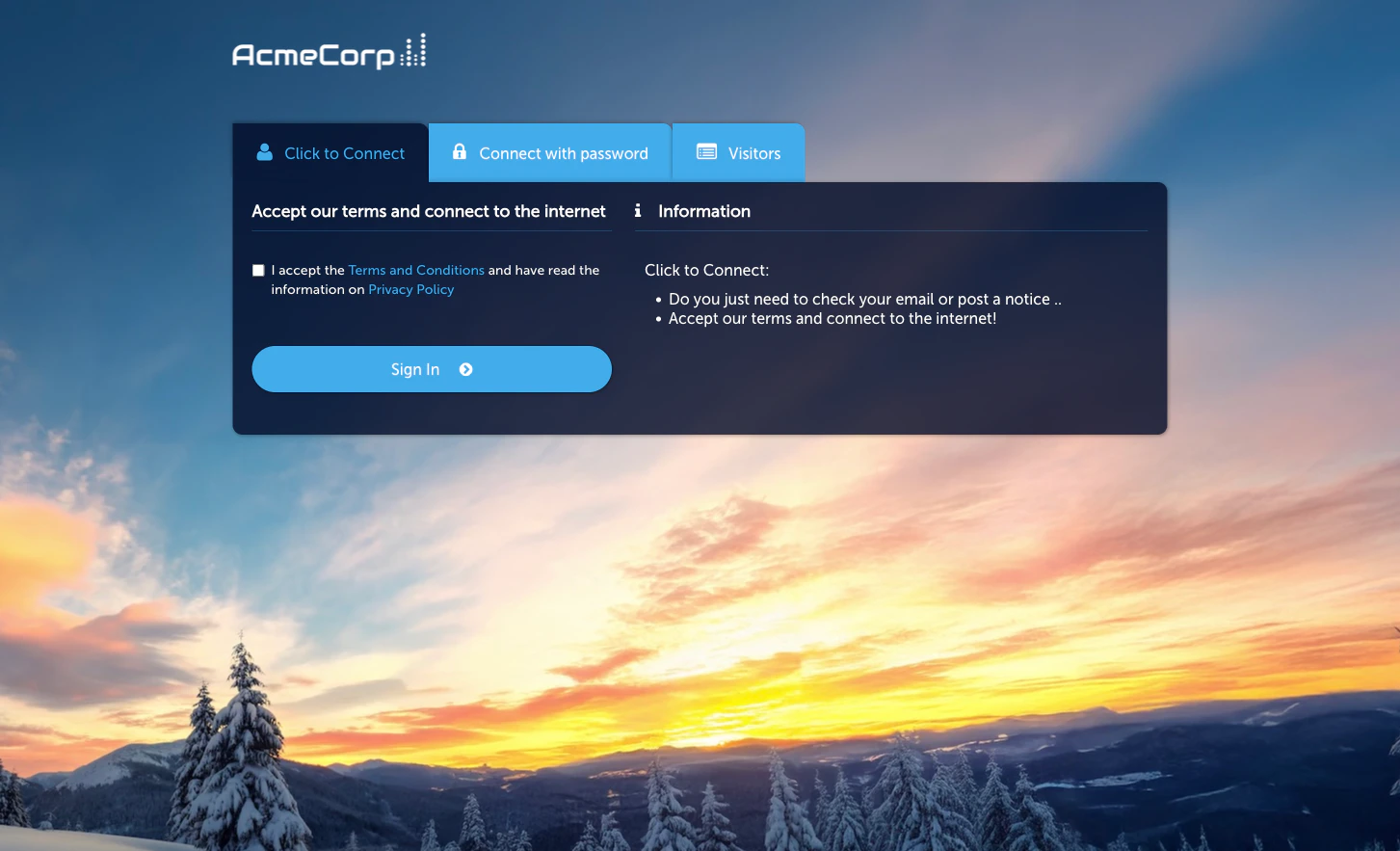
Activate the module
Click-to-Connect is the product-facing name for the Quick Access module in the admin — the same module powers both surfaces.Configuration
The module Configuration tab has three sub-tabs (the same as the Quick Access page):- Session Length & Redirect — session duration and post-sign-in redirect URL.
- WiFi4EU (legacy) — legacy WiFi4EU programme support; leave off unless you specifically need it.
- Language Settings — per-language overrides for the Captive Portal strings.
When to use Click-to-Connect
- You want the lowest-friction flow. No form, no verification, no approval.
- You don’t need to identify individual guests. If you do, use Self-Provisioning by Email or SMS.
- Your redirect can work as a brand or marketing surface. The post-connect redirect is a prime piece of attention — a well-chosen page can drive engagement immediately after sign-in.
Related
Event Access
Pass-through sign-in without even a portal click.
Self-Provisioning by Email
Low-friction flow that still identifies the guest.