

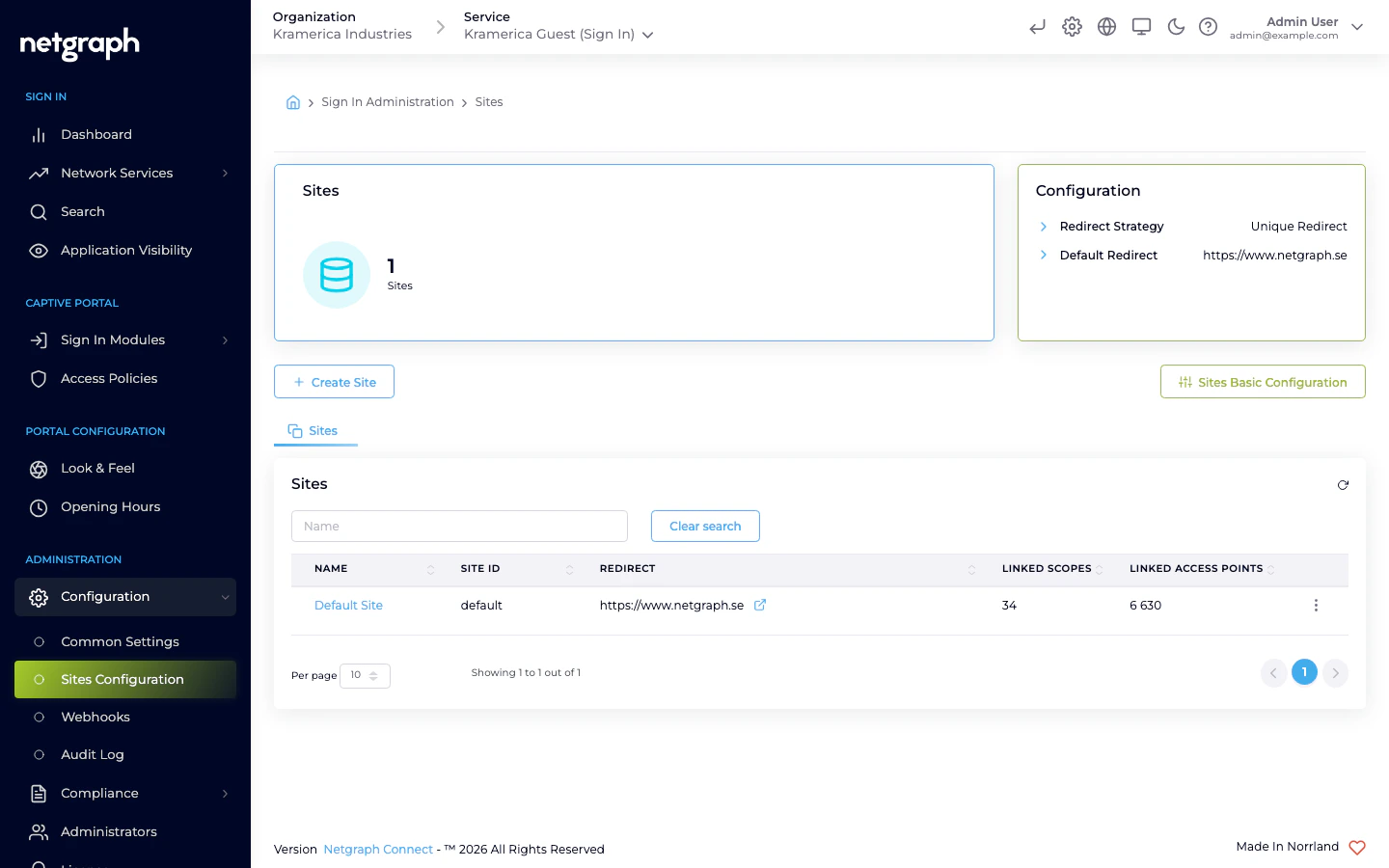
Site-based redirects lets you route guests to different landing pages based on which site they signed in from. One Sign-In Context can serve many physical venues, each with its own welcome page, terms, or localized content, without needing separate Contexts. Typical uses:Documentation Index
Fetch the complete documentation index at: https://wiki.netgraph-connect.com/llms.txt
Use this file to discover all available pages before exploring further.
- Multi-venue chains — hotels, co-working locations, retail stores, event centres where each venue has its own landing page.
- Venue-specific campaigns — run a promotion at one location without affecting the others.
- Localized landing content — route guests at a Swedish venue to a Swedish page, at a German venue to a German one.
How it works
- You define sites in the Context admin. Each site represents a physical venue or network segment and contains one or more Scopes (for Service Gateway deployments) or one or more APs (for Cisco Meraki).
- For each site, you set a redirect URL.
- When a guest signs in, Sign In identifies the guest’s site by
matching on network identifiers from the integration:
- Cisco Meraki — the AP MAC address of the Access Point the guest is associated with.
- Service Gateway — the IP Scope through which the guest’s traffic is routed.
- The matched site’s redirect URL is used in place of the Context’s default.
- If no site matches, the Context’s Default Redirect (set when the Context was created) is used.
Setting up sites
Open the sites configuration in the Context admin and add one entry per venue:- Site name — admin label.
- Member identifiers — the AP MACs (for Meraki venues) or IP Scopes (for Service Gateway venues) that make up this site. A site can span many APs or many Scopes when the venue is larger than one access point or one routed subnet.
- Redirect URL — where guests at this site should land after sign-in.
- Description and tags — admin-only metadata.
Interaction with Access Policies
If an Access Policy defines a redirect override, it takes precedence over the site’s redirect. Rule of thumb:Related
Quickstart
Where the Context’s default redirect is first set.
Access Policies
Audience-specific redirect overrides.